 How to use
How to use › Card search
Results & card views
- Search results are kept in up to 8 tabs.
- The table shows either Pokémon or Trainer; switch with the result count buttons.
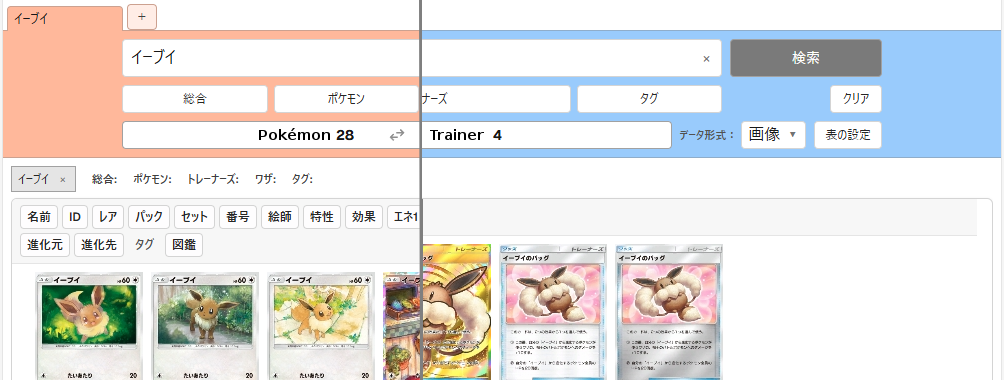
- 1Press a column heading button to sort in ascending or descending order.
- 2Change how results are shown with the data view dropdown.
- Image: card images in a grid (the default). Click an image to open the card view details.
- Sheet: a table. Click a card name to open the card view details. Click a truncated effect text to show it in full.
- Card: shows one card at a time with its information laid out like a card. Cells such as evolves from/to, illustrator and tags are links that open a new tab with that search.
Related guides